2026-10-02
MediaHub 1.0.0-RC2 Now Available
MediaHub **1.0.0-RC2** is now available for Android TV, continuing the final push towards the full MediaHub 1.0 release.
Read update →Live TV, movies, series and personal media servers in one clean interface built for the TV first — with desktop builds for Windows and macOS.
 MEDIAHUB
CONNECT YOUR MEDIA
MEDIAHUB
CONNECT YOUR MEDIA
MediaHub does not provide content. It gives your own IPTV service and personal media servers a consistent TV and desktop experience.
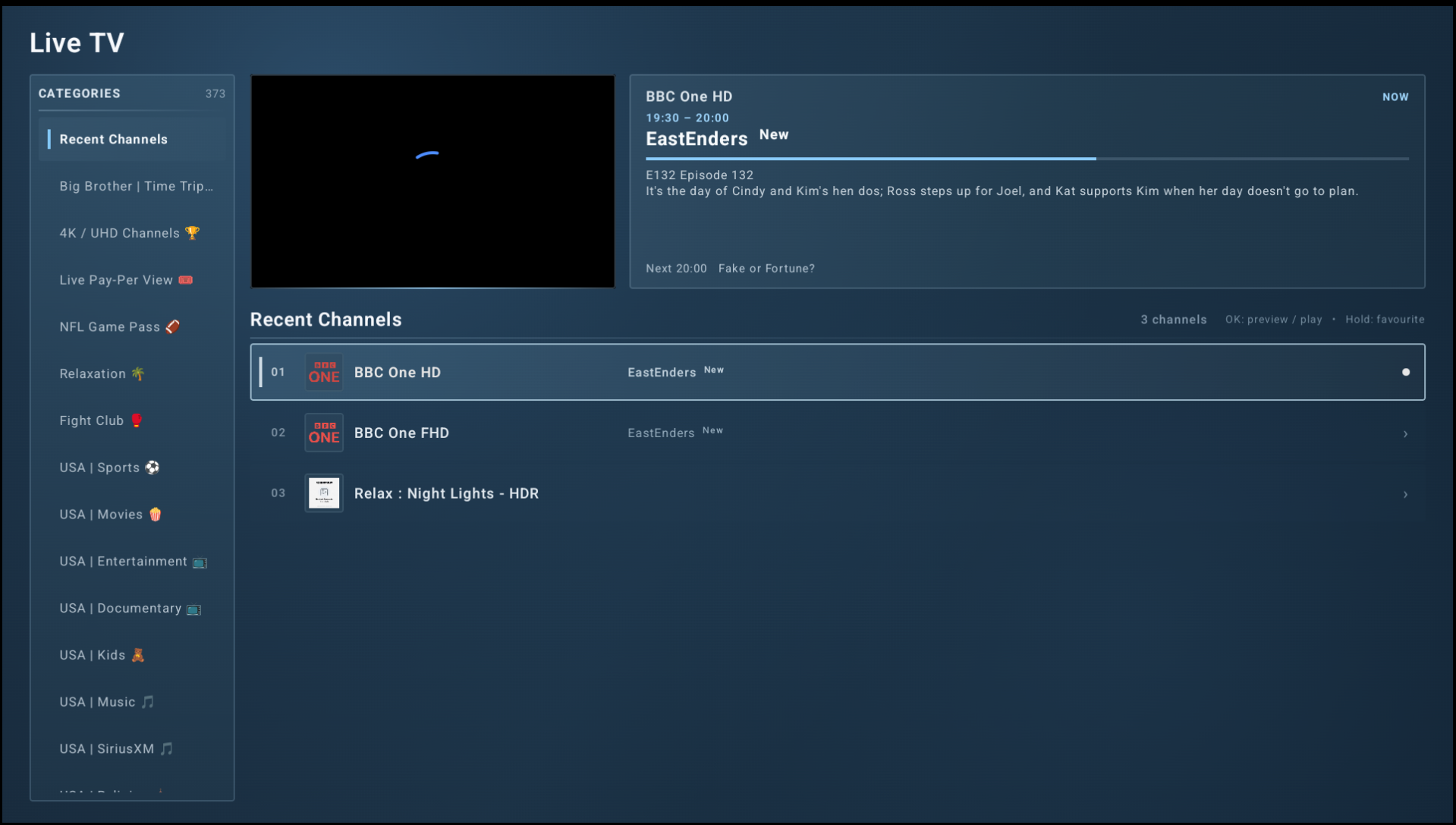
Categories, EPG, favourites, preview playback and local timeshift controls designed around a remote.
Browse your provider's VOD library, search quickly and continue into full-screen playback without a cluttered UI.
Connect Jellyfin, Emby or Plex alongside IPTV rather than jumping between separate apps.
OpenVPN support lives inside MediaHub, including provider-managed VPN configuration in managed deployments.
Configure managed MediaHub deployments centrally while streams and end-user media credentials continue to travel directly between MediaHub and the configured services.
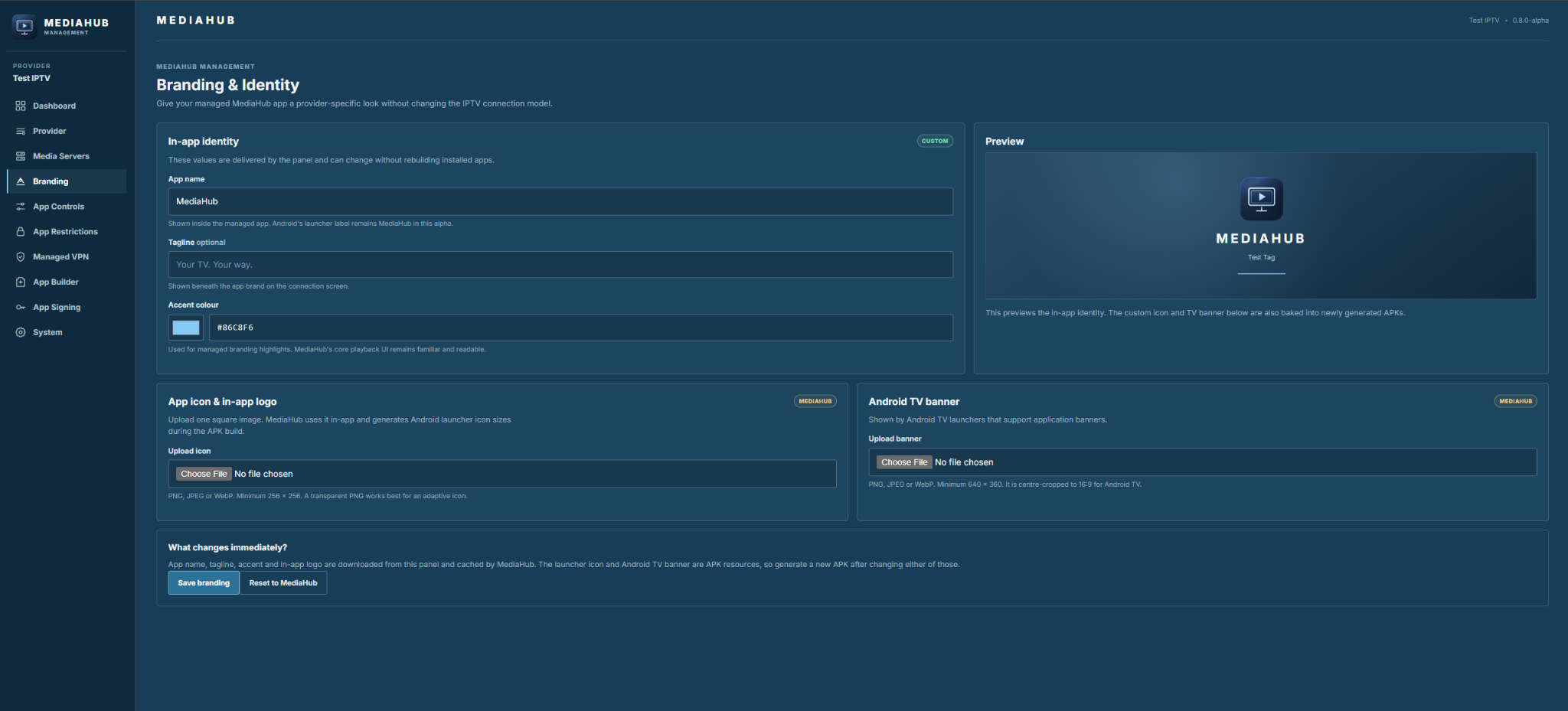
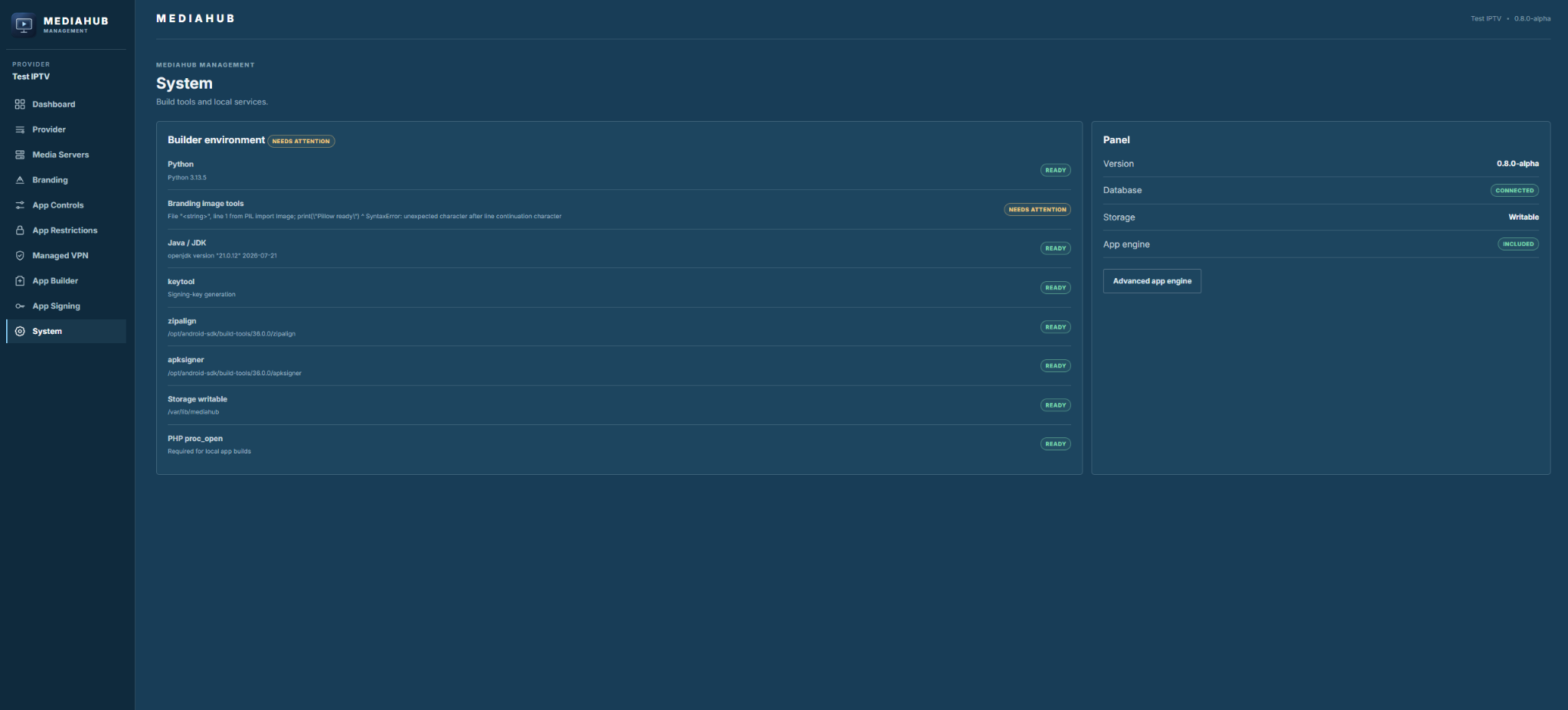
MediaHub ManagementProvider DNS, branding, app controls, restrictions, media-server addresses, VPN profiles and APK generation.
MediaHubConnects directly to the IPTV provider, Jellyfin / Emby / Plex and VPN provider from the user's device.
The Management panel is a configuration/control plane — it is not a media proxy.
MediaHub keeps the same clean visual language across TV, desktop and Management while adapting each interface to the device it runs on.
MediaHub **1.0.0-RC2** is now available for Android TV, continuing the final push towards the full MediaHub 1.0 release.
Read update →This release brings together a much wider set of improvements than 0.6.1, covering account setup, Profiles, Football channel discovery, Live TV navigation and search, IPTV provider compatibility and a number of stability improvements identified during real-world testing.
Read update →This is a significant update for the Windows version, bringing it much closer to the current Android experience while also improving stability, scaling and playback across desktop systems.
Read update →Start with MediaHub itself, or self-host MediaHub Management for provider-managed deployments.